What to Put on Your Tyre Shop’s Google Profile (So You Actually Get Calls)
🕒 Reading time: 4 minutes
Before someone calls your garage or mobile van, they check your Google profile. If yours is missing info — or just looks lifeless — you’re probably losing jobs without even knowing it.
Here’s how to set up your Google Business Profile the right way, so it brings in more calls and builds trust before you ever speak to the customer.
📍 What Is Your Google Profile, Really?
Your Google Business Profile (used to be called “Google My Business”) is what shows up when someone searches for “tyre shop near me” or sees your location on Google Maps.
It’s free. But if it’s empty or outdated, people scroll right past you.
🧰 The Essentials to Get Right
✔️ Business Name
Make sure it’s exactly how it appears on your sign or van. Avoid ALL CAPS or spammy keywords.
✅ Example:
Correct: Midlands Tyres Mobile Fitting
Wrong: Cheapest Tyre Deals Fast Mobile Fitter Birmingham
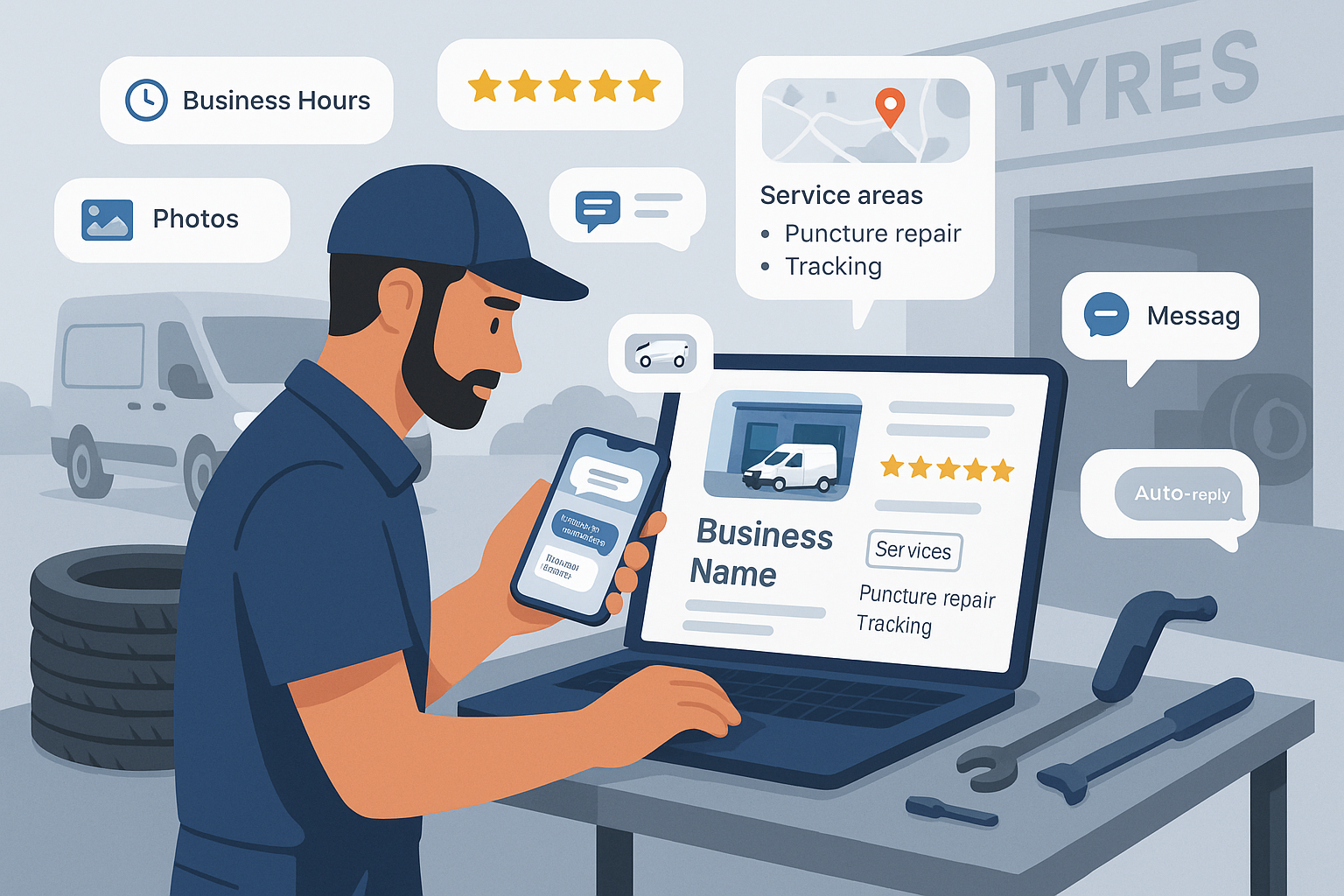
🕐 Opening Hours
Keep these updated — especially if you close early some days or do weekends. Customers want to know when they can call. Nothing worse than turning up and finding you shut.
📷 Photos
This is where most tyre shops go wrong.
Upload:
- Your van or shop front
- Inside the garage
- A few tyre fitting jobs
- Staff at work (if they’re okay with it)
- Clean workshop = bonus points
Pro Tip: Update photos every couple of weeks — Google rewards fresh content.
✍️ Your Business Description
Keep it short, real, and helpful. Mention your service area, and what makes you different.
Example:
We’re a mobile tyre fitter covering Coventry, Solihull & Birmingham — 7 days a week. Fast, honest service for cars, vans and 4x4s. Emergency tyre help also available.
No buzzwords. No waffle. Just clear, local info.
🧭 Service Areas (for mobile fitters)
Make sure you list all the towns or postcodes you cover — this helps you appear in more searches.
🛠️ Services Offered
Add every service you do — even things like:
- Puncture repair
- Wheel balancing
- TPMS sensors
- Tracking
- Locking wheel nut removal
- Emergency call-outs
Each one gives you an extra chance to show up when people search locally.
💬 Bonus: Enable Messaging
You can let customers message you directly through your Google listing.
To do this:
- Open the Google Business Profile app
- Go to “Customers” → “Messages”
- Turn it on
Add an auto-reply like:
“Thanks for messaging Midlands Tyres — we’ll reply ASAP or you can call us on 07700 123456.”
📝 Post Once a Week
Did a great job? Post a quick photo.
Got an offer? Post it.
Slow day? Post a tip like “Check your tread this weekend — we’re open Sunday if you need us.”
This tells Google you’re active — and keeps your profile near the top.
Final Thought
You don’t need to be an SEO expert.
But you do need to make your Google profile look alive, trustworthy, and ready for business.
Fix it up today, and it might be the difference between a customer calling you… or your competitor.